

PhotoCat AI Image Extender
PhotoCat AI Image Extender - AI Image Editing AI工具使用教程与评测
FreemiumPhotoCat AI Image Extender is a free online AI tool that naturally expands image boundaries and adjusts aspect ratios with intelligent background filling. Perfect for social media image adaptation and photo cropping fixes.
Overview
PhotoCat AI Image Extender is an AI-powered online tool that intelligently expands image boundaries and naturally fills in additional content. Users can adjust image aspect ratios, restore improperly cropped photos, or adapt images for different social media platform requirements. The tool uses advanced AI algorithms to understand image content and generate extension areas consistent with the original style, producing natural and realistic results. As part of the PhotoCat platform, users can also access other AI image processing tools like image enhancement, background removal, and AI face swap.
Core Features
AI Intelligent Extension
Advanced AI algorithms analyze image content to intelligently predict and generate extension areas consistent with the original style, ensuring natural and seamless results.
Multiple Aspect Ratio Support
Expand images to various common ratios including 16:9, 9:16, 4:3, 3:4, and 1:1, perfect for Instagram, YouTube, TikTok, and other social media platforms.
Smart Background Filling
AI automatically analyzes image background patterns and intelligently fills extended areas, handling solid colors, gradients, and complex backgrounds with ease.
Photo Crop Restoration
Regenerate previously cropped content to restore photo completeness. Especially useful for recovering accidentally cropped important elements.
Batch Processing
Support batch uploading and processing of multiple images, significantly improving efficiency for users with many photos to edit.
Free to Use
Basic features are completely free with no registration required. Daily free credits are provided for trying AI features.
How to Use
- Visit PhotoCat AI Image Extender page.
- Click upload or drag images to the upload area.
- Select target aspect ratio or customize extension range - AI will preview the effect automatically.
- Adjust extension direction and range until satisfied with the preview.
- Click generate and wait for AI processing to complete.
- Preview the final result and download if satisfied.
Key Advantages
Natural Extension Effects
AI algorithms ensure extended content blends seamlessly with the original image without obvious stitching marks, producing natural results.
Multi-platform Adaptation
Generate images in various social media aspect ratios with one click, no manual adjustment or cropping needed while preserving the main subject.
Free Online Access
Basic features are completely free with no software download required - complete all operations in your browser.
Fast Processing
AI processing is quick, typically completing image extension in seconds, saving significant manual editing time.
High-quality Output
Output images maintain high resolution suitable for printing and online sharing with no noticeable quality loss.
Complete Tool Ecosystem
As part of the PhotoCat platform, use alongside other AI tools like image enhancement and background removal for one-stop image editing.
Pricing
| Plan | Price | Main Features | Best For |
|---|---|---|---|
| Free | $0 | 5 credits, basic features, with ads | Light users |
| Pro Weekly | $6.99/week | 100 credits/week, all AI tools, ad-free | Short-term projects |
| Pro Yearly | $59.99/year | 5200+ credits/year, 83% discount, all features | Long-term users |
Credits are used for AI features. Image extension typically costs 1-5 credits. Visit PhotoCat pricing page for current rates.
FAQ
Get Help
- Help Center: Visit PhotoCat website for tutorials
- Task History: View processing records in Recent Tasks after logging in
- Mobile App: Download PhotoCat App for more features
- Email Support: Submit questions via the website contact form
Download Client
App Downloads
- Google Play — Android version
- Scan QR code on website to download directly
Mobile app offers more photo editing and cleanup features, including photo organization and deep cleaning.
Other Info
Related Tools
- BeautyPlus — Sister AI image enhancement tool for photo quality improvement
- Remove.bg — Professional AI background removal tool
Related Tools
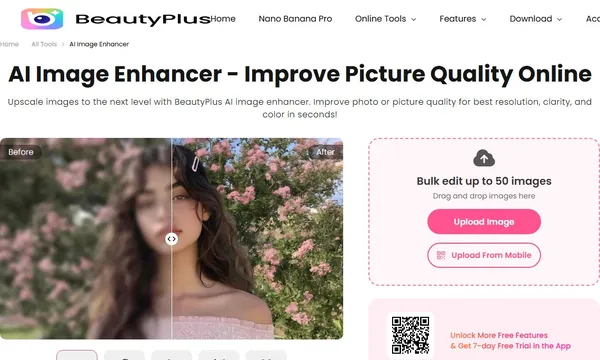
 BeautyPlus AI Image Enhancer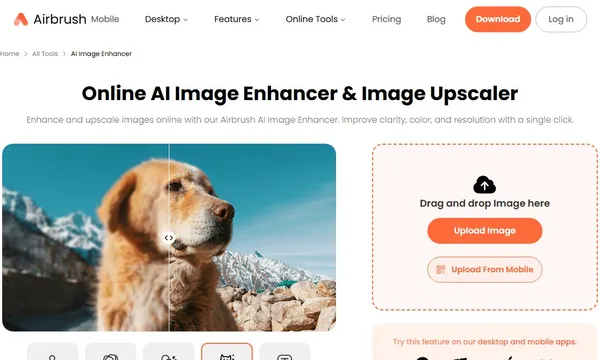
 X-Design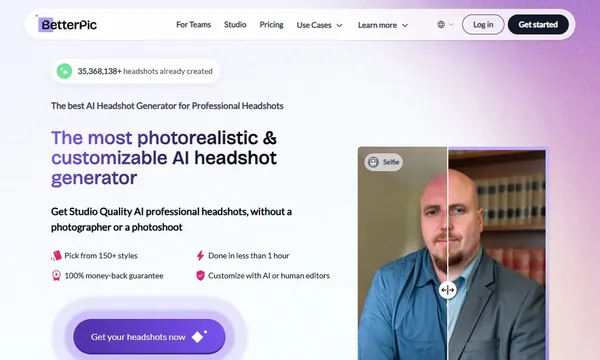
 BetterPic
 Aragon.ai
 Luminar NEO