
iSpring Page
iSpring Page - Learning Tools AI工具使用教程与评测
PaidiSpring Page is a powerful e-learning page creation software that helps course designers create beautiful, interactive online tutorials without coding.
Overview
iSpring Page is an interactive page creation tool designed for educators and training professionals. It transforms course content into engaging interactive experiences containing visually appealing graphics and other interactive elements to create effective and enjoyable learning for students.
Core Features
Interactive Pages
Create visually appealing pages with animations, transitions, and interactive features.
Media Integration
Integrate audio, video, and animations for more alive content.
Clean Interface
Intuitive drag-and-drop tools requiring no coding knowledge.
Assessment Tools
Built-in quiz and survey creation functionality.
Responsive Design
Automatic adaptation to mobile devices and tablets.
How to Use
- Download and install iSpring Suite which must include the iSpring Page module.
- Launch the program and select a template to create a new page.
- Drag-and-drop to add text, images, shapes and additional elements.
- Enhance pages with animations and interactive features.
- Set up tests or surveys using built-in assessment tools.
- Publish as SCORM content and upload to your LMS.
Key Advantages
No Programming Required
Anyone can create professional content using simple tools.
Time Saving
Rapid creation tools decrease content development time.
Portable Publishing
Export standard format files compatible across systems.
Professional Support
24/7 customer support and abundant learning resources.
Pricing
| Plan | Price | Main Features | Target Audience |
|---|---|---|---|
| Standard | $790/year | E-learning creation, 10 user licenses | Small Businesses |
| Platinum | $1,390/year | Advanced features and LMS system | Mid-size Businesses |
| Enterprise | Quote Requested | Custom features and dedicated support | Large Enterprises |
Annual plans enjoy 30-day money back guarantee. More info on Pricing Page.
FAQ
Download Client
Client Download
- iSpring Suite 11.7 for Windows - Installation package with complete functionality
- Release Log - View updates for all versions
- Additional Plugins - More expansion features provided
Other Info
Related Tool Recommendations
- Articulate Rise — Web-based responsive course authoring tool
- Adobe Captivate — Multimedia eLearning authoring and simulation
- H5P — Free open-source interactive content creation tool
- Easygenerator — Cloud-based course authoring and development solution
Related Tools
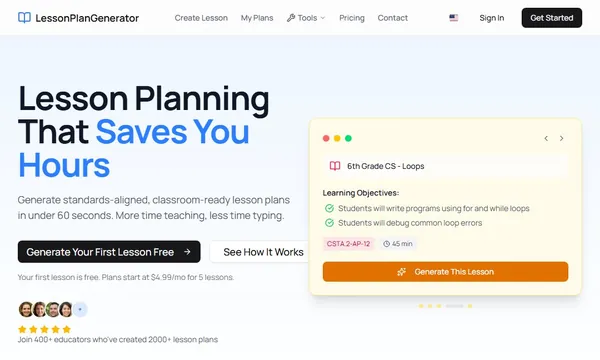
 Lesson Plan Generator
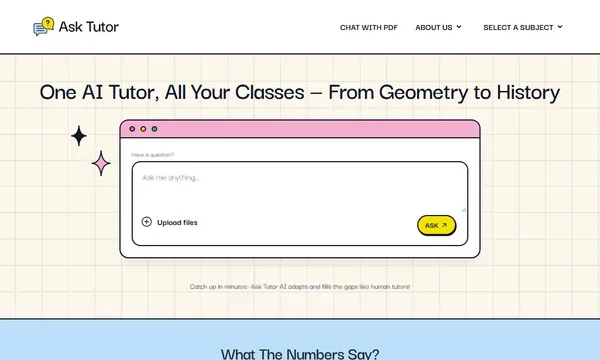
 AskTutor AI

 Chance AI