Pictory
Pictory - AI Video AI工具使用教程与评测
PaidPictory is a powerful AI video generation tool supporting text-to-video, URL-to-video, AI video editing, and voiceover features. Create professional video content for marketing and social media quickly.
Overview
Pictory is a revolutionary AI video generation tool designed to help content creators, marketers, and businesses create professional-quality videos in minutes. Without any video editing experience, users simply provide text scripts, blog URLs, or existing videos, and Pictory's AI technology automatically transforms them into polished video content. The platform supports Text-to-Video, URL-to-Video, AI Video Editing, Voiceovers, AI Avatars, and more.
Core Features
Text-to-Video
Automatically transform text scripts into videos with multiple visual styles and templates. AI matches relevant images and video clips with synchronized voiceover.
URL-to-Video
Input any blog post or web URL, Pictory extracts content and generates video. Convert long content into series of short videos with one click.
AI Video Editor
Powerful AI editing with auto-clipping, auto-subtitles, smart cropping, video enhancement. Professional results without professional skills.
AI Voiceover
100+ AI voices in 80+ languages and dialects. Choose different tones, speeds, and styles for natural narration.
AI Avatars
Realistic AI virtual presenters add professional hosts to videos. Multiple styles available.
Video Clips
Automatically extract highlights from long videos for social media shorts. Batch generation for efficiency.
PPT to Video
Convert PowerPoint presentations into videos for online courses, training, and product demos.
Smart Record
Built-in screen and camera recording for tutorials and software demonstrations.
How to Use
- Visit Pictory and click "Get Started Now" to register
- Choose your feature:
- Text to Video: Enter script, select template and voice
- URL to Video: Paste blog or web URL
- AI Video Editor: Upload existing video
- AI Avatars: Choose avatar, enter narration
- Configure: Visual style, background music, language
- Click "Generate" to create video
- Preview and fine-tune with the editor
- Export in various resolutions and formats
See Pictory Features for detailed tutorials.
Key Advantages
Fast & Efficient
Generate complete videos in minutes with batch generation for multiple outputs.
No Skills Required
No video editing experience needed. AI handles clip selection, editing, voiceover.
Multi-language Support
80+ languages and dialects for voiceovers and subtitles. Easy localization.
Rich Template Library
Hundreds of professional video templates for various scenarios.
Cost Effective
Much lower cost than traditional video production. High-quality videos without a professional team.
Commercial Rights
Videos from paid plans are fully owned by users for commercial use on YouTube, TikTok, etc.
Pricing
| Plan | Price | Key Features | Best For |
|---|---|---|---|
| Free | $0/month | 3 projects, 10 min video, 720p export | Trial users |
| Standard | $25/month | 15 projects, 30 min, 1080p, AI voiceover | Content creators |
| Professional | $49/month | 90 projects, 90 min, 4K export, AI avatars | Marketers |
| Enterprise | Contact Sales | Unlimited projects, custom features, priority support, API | Business teams |
Annual billing available with discount. See Pricing for details.
Get Help
Resources
Support
- Email: support@pictory.ai
- Talk to Sales (Enterprise)
- Hours: Mon-Fri 9AM-5PM (US Time)
Social
API
- API Access (Enterprise)
Download Client
Other Info
Related Tools

 Vidu
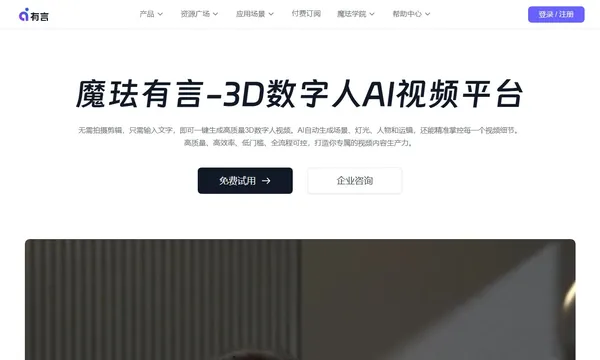
Vidu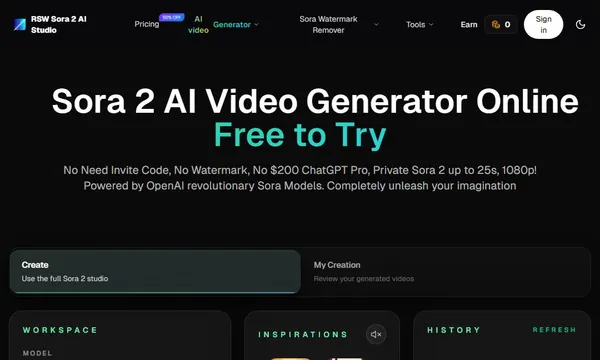
 RSW Sora 2 AI Studio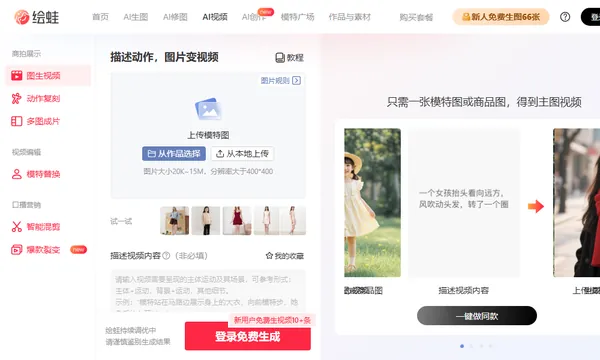
 Huiwa AI Video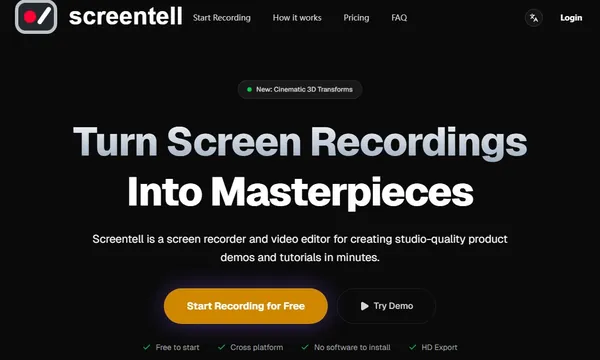
 Screentell
 SoundView