
Notion AI
Notion AI - AI Writing AI工具使用教程与评测
PaidNotion AI is a built-in AI assistant within the Notion workspace, offering writing assistance, content summarization, translation, brainstorming, and auto-fill features to help individuals and teams create and manage knowledge more efficiently in one platform.
Overview
Notion AI Overview
Notion AI is a built-in AI assistant within the Notion workspace, allowing users to invoke AI capabilities directly within notes, documents, and databases — no tool switching required.
Notion itself is an all-in-one workspace combining notes, documents, project management, and databases. Notion AI layers generative AI on top of this foundation, enabling users to get AI assistance at any point during writing — whether drafting articles, summarizing meeting notes, translating content, or extracting insights from databases.
Notion AI supports multiple languages and is suitable for individual users, creators, students, and enterprise teams. It is one of the most deeply integrated AI + knowledge management products available today.
Core Features
Core Features
- AI Writing Assistance: Invoke AI on any page to draft, continue, rewrite, or polish text content
- Summarization: One-click summarization of long documents, meeting notes, and project briefs to extract key points
- Translation: Multi-language translation to quickly convert content into target languages
- Brainstorming: Input a topic and AI generates idea lists, outlines, and creative suggestions
- Tone Adjustment: Change text tone (formal / casual / professional / friendly, etc.)
- Spelling & Grammar Fix: Automatically detect and correct errors in text
- Explain Content: Select complex passages and have AI explain them in simple language
- AI Autofill (Database): Create AI property columns in Notion databases to automatically generate summaries, categories, tags, and more based on other fields
- Ask About Page Content: Ask questions about the current page or entire workspace, and AI answers based on your documents
- Q&A Search: Search across the workspace using natural language to find relevant pages and content
How to Use
How to Use
Getting Started
- Log in to Notion and ensure you have a plan that includes AI features
- On any page, press Space or click the
+button and select "Ask AI" - Or select existing text and click the AI button in the floating toolbar
Common Operations
- Draft content: Press Space on a blank page → type "Write an article about..."
- Summarize a document: Select all text → AI → "Summarize"
- Translate: Select text → AI → "Translate to English/Chinese"
- Rewrite & polish: Select a paragraph → AI → "Improve writing" or "Change tone"
- Database AI autofill: Add an AI property column in database view, configure generation rules, and batch auto-fill
Ask Questions About Your Workspace
- Click the search icon in the sidebar or press
Cmd/Ctrl + K - Switch to "Ask AI" mode
- Ask in natural language — AI retrieves answers from your workspace documents
Key Advantages
Key Advantages
- Deep Workspace Integration: AI is embedded directly in Notion — no tool switching, seamlessly invoked within your writing flow
- Database AI Autofill: Unique AI property column feature enables batch auto-generation of structured data, dramatically improving database management efficiency
- Cross-Document Q&A: Ask questions about your entire workspace's content — like having a personal assistant who knows all your notes
- Multi-Language Support: Supports writing and translation in Chinese, English, and many other languages
- Team Collaboration Friendly: Team members share the workspace, and AI capabilities are available to all members
- No Extra Tools Needed: For existing Notion users, AI is a natural extension with minimal learning curve
- Continuous Updates: Notion regularly ships new AI features and improvements
Pricing
Pricing
Notion AI is an add-on feature with additional charges on top of any base plan:
Free Plan
- Basic Notion features available for free
- Limited AI feature trials included
Notion AI Add-on
- $10/member/month (billed annually) or $12/member/month (monthly)
- Can be added to Free, Plus, Business, or Enterprise plans
- Includes: unlimited AI writing, summarization, translation, database AI autofill, Q&A, and all AI features
Notion Base Plans
- Free: Personal use, basic features
- Plus: $10/month (annual), for small teams
- Business: $18/month (annual), for mid-size teams
- Enterprise: Custom pricing, enterprise-grade features
Full pricing details: notion.so/pricing
Get Help
Support & Resources
- Official Site: notion.so
- Notion AI Page: notion.so/product/ai
- Help Center: notion.so/help
- AI Usage Guide: notion.so/help/notion-ai
- Template Gallery: notion.so/templates
- Blog: notion.so/blog
- Community: notion.so/community
- Contact Support: Submit a ticket via the Help Center
Download Client
Download & Access
- Web App: Visit notion.so — sign up and start immediately
- Desktop Client:
- Mobile:
- Web Clipper: Chrome Extension — save web pages directly to Notion
- API: developers.notion.com — open API for third-party integrations
Other Info
Additional Information
- Company: Notion Labs, Inc., San Francisco, USA — founded 2016
- User Base: Over 30 million users worldwide
- AI Models: Powered by leading large language models including OpenAI GPT series
- Data Security: SOC 2 Type II certified, GDPR compliant
- Integrations: Thousands of integrations including Slack, GitHub, Jira, Google Drive, Figma
- Use Cases: Personal notes, team wikis, project management, product docs, OKR tracking, CRM, and more
- Language Support: Interface in English; content supports Chinese, Japanese, Korean, French, German, and more
- Offline Support: Limited offline access on desktop and mobile apps
Related Tools
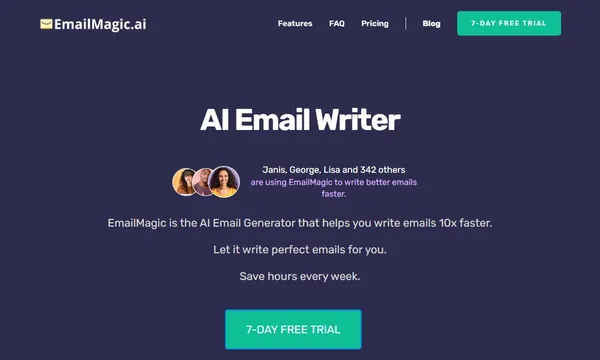
 EmailMagic AI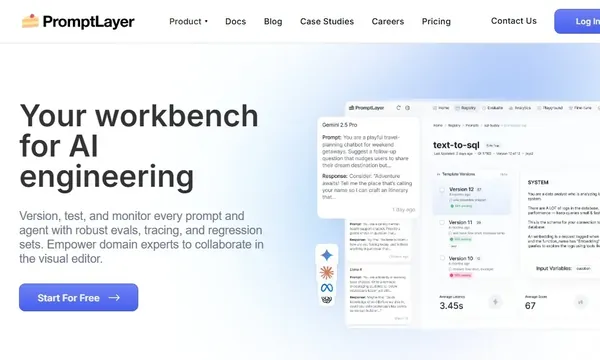
 PromptLayer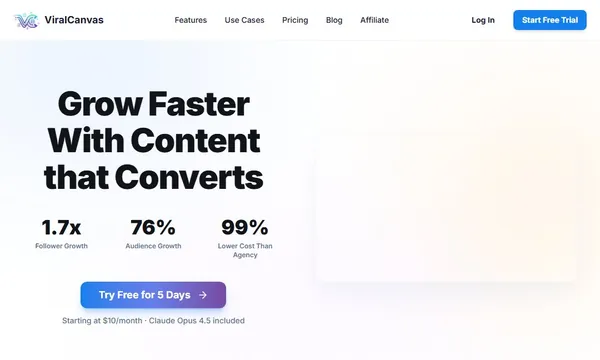
 ViralCanvas AI

 WriteText.ai
 Pace
Pace